Patient App Guide
The Boston Health & Wellness PT App is customized rehabilitation software designed to give you continuous access to your care team and your home program from your smartphone, tablet, or computer. Your exercises, your therapist's notes, your appointments and your bill, all in one place between visits.
Your care team, in your pocket.
HD Exercise Videos & Notes
Access your personalized home exercise routine with high-definition demonstration videos and direct notes from your physical therapist.
Instant Messaging
HIPAA compliant messaging, so you can communicate with your provider in between clinic visits.
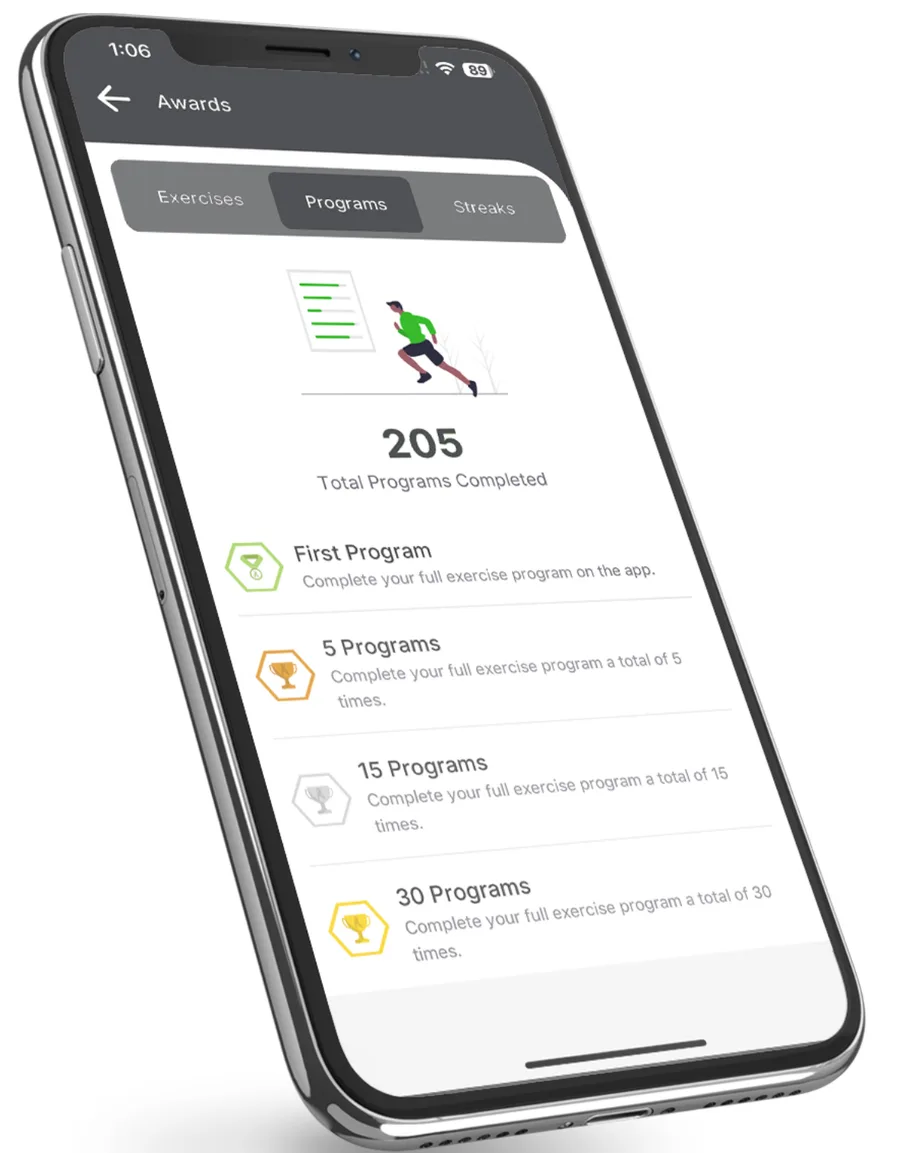
Track Progress & Earn Achievements
Stay motivated by earning milestone awards as you complete your prescribed routines.
Manage Your Care
Monitor your rehabilitation history and stay connected on the go.
Set up your account in three steps.
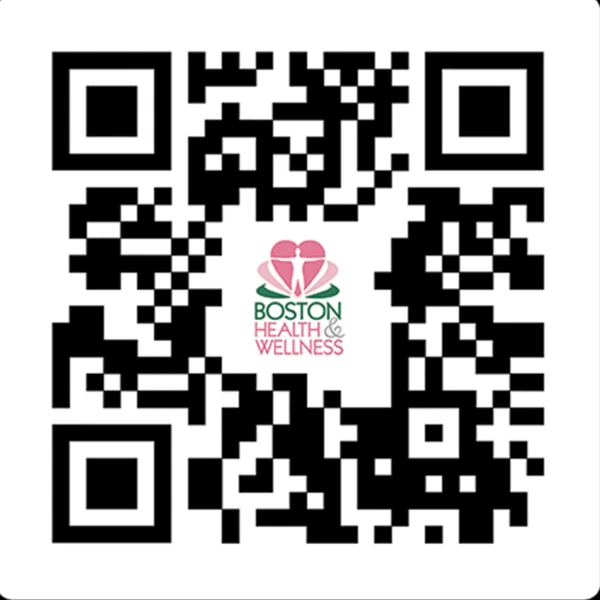
Download the app. Scan the QR code below, or search for the Boston Health & Wellness app on the Apple App Store or Google Play Store. A web app version is also available in your browser.
Watch for your invitation. Once your provider assigns your Home Exercise Program, check your inbox for an invitation email from admin@ptwired.com.
Create a password and log in. Click the activation link in the email to set your password, then open the app and log in using your email address and new password.
Everything you need between visits.
Your appointments
Navigate to the Schedule or Appointments tab from the main menu.
View upcoming appointment dates, times, and provider details.
Paying your bill
Open the Account or Billing section within the app menu.
Select your outstanding invoice, enter your preferred payment method (credit/debit card or linked HSA/FSA), and submit payment directly through the secure portal.
Your prescribed exercises
Tap the Prescriptions or Exercises tab on your home screen.
Select any assigned exercise to view step-by-step instructions, rep and set counts, and HD video demonstrations.
Mark exercises as complete as you finish them to log your progress and earn achievements.
Did not get your invitation email, or having trouble logging in? Email us at stoneham@bostonhealthwellness.com or call us at (617) 843-5320 →
Ready when you are.
Saturday: 7:00am - 1:00pm | Sunday: Closed